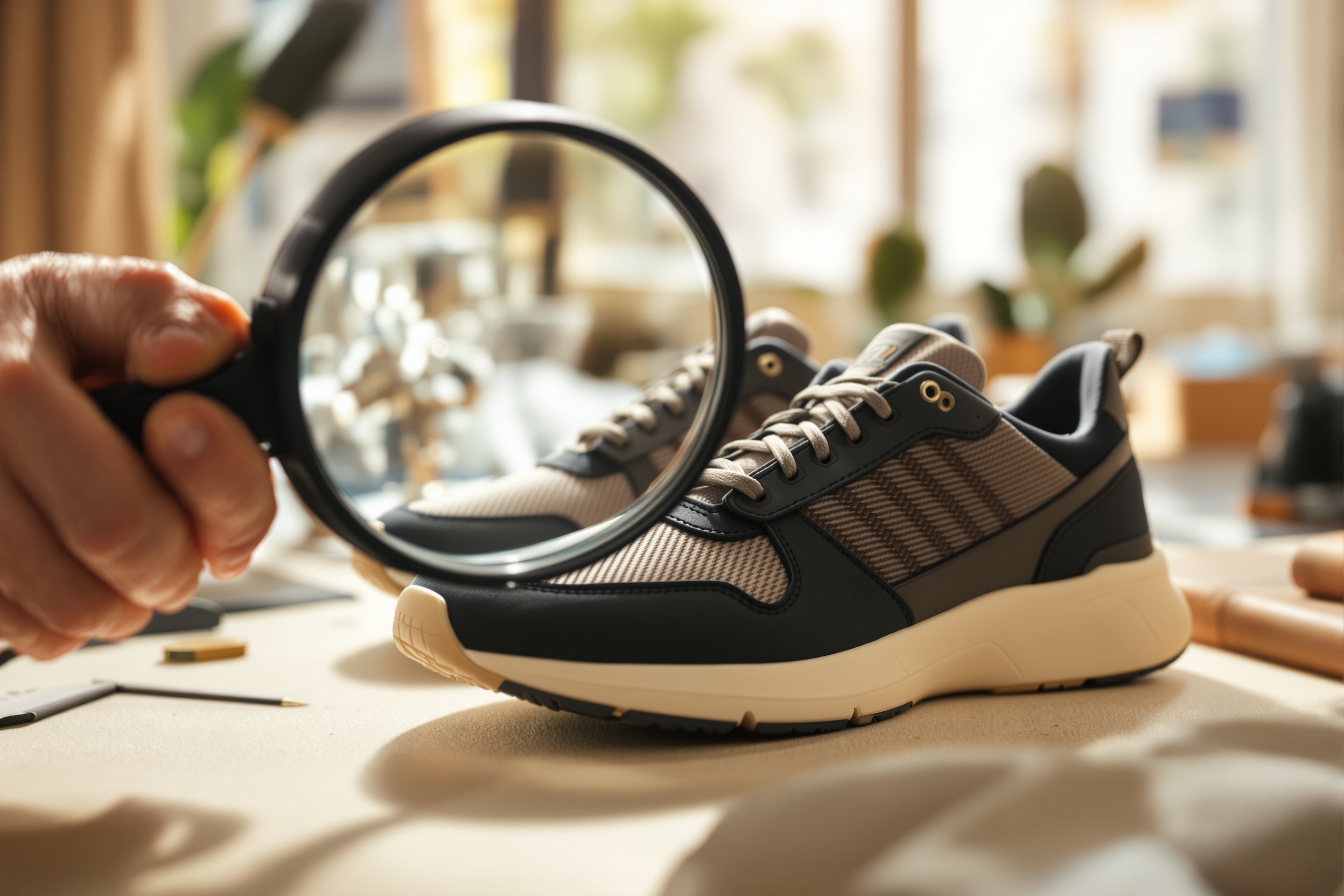
QC photos are your last line of defense before an item ships. Learning how to read them properly can save you from disappointment, returns, and wasted money. This Litbuy QC checklist covers every major flaw category, explains what to look for, and shows you how to compare your photos against retail references.
Why QC Photos Matter
When you buy through the Litbuy spreadsheet, you are purchasing items sight unseen from overseas sellers. QC photos are the only proof you have of what actually sits in the warehouse before it ships to you. Skipping this step or rushing through it is the single most common mistake that leads to buyer regret.
Step-by-Step QC Checklist
- Overall shape: Compare the silhouette against retail photos. Look at toebox height, heel curve, and side profile.
- Logo placement: Measure pixel distances if needed. Logos should be centered and proportional to retail.
- Stitching quality: Look for loose threads, uneven spacing, and double stitching where single stitch is expected.
- Color accuracy: Check under different lighting. Colors can shift in photos, but major differences are red flags.
- Material texture: Leather should look grainy, not plastic. Mesh should have visible pores. Suede should move when brushed.
- Hardware and tags: Zippers, buttons, and interior tags should match retail weight and engraving quality.
How to Compare Against Retail
Open two browser tabs: one with your QC photos, one with verified retail photos from the brand's official site or trusted sneaker databases. Compare side by side, focusing on the areas most likely to vary on reps. For shoes, this is usually the toebox, heel tab, and tongue logo. For clothing, it is the neck tag, embroidery, and fabric weight.
Save retail reference photos to your phone before ordering. Having them ready makes QC review much faster and more accurate.
When to Request an Exchange
- Logo is significantly off-center or wrong size.
- Color mismatch is obvious even accounting for photo lighting.
- Stitching is loose, crooked, or missing in critical areas.
- Material looks or feels wrong in the warehouse photo.
- Size is wrong despite ordering from the provided chart.
QC Red Flags to Always Reject
Some flaws are minor and acceptable. Others are deal-breakers. Crooked logos on high-visibility items, completely wrong colorways, and damaged materials should always be rejected. When in doubt, post your QC photos in community threads for a second opinion. Experienced buyers can spot issues you might miss.
How long do I have to approve QC photos?
Most sellers give you 24-72 hours to approve or request an exchange. Check the seller's policy before ordering.
Can I request additional QC photos?
Yes, most sellers will take additional photos of specific areas for a small fee. It is worth it for expensive items.
What if I miss a flaw and the item ships?
You can still dispute if the flaw is clear, but your options are more limited. Always review carefully before approving.